Public booking page for walk-ins and visitors
Each coworking space gets a shareable public booking URL. Visitors see live availability and book desks or meeting rooms without an account; office requests go to Leads. Optional email and phone matching links a booking to an existing member.
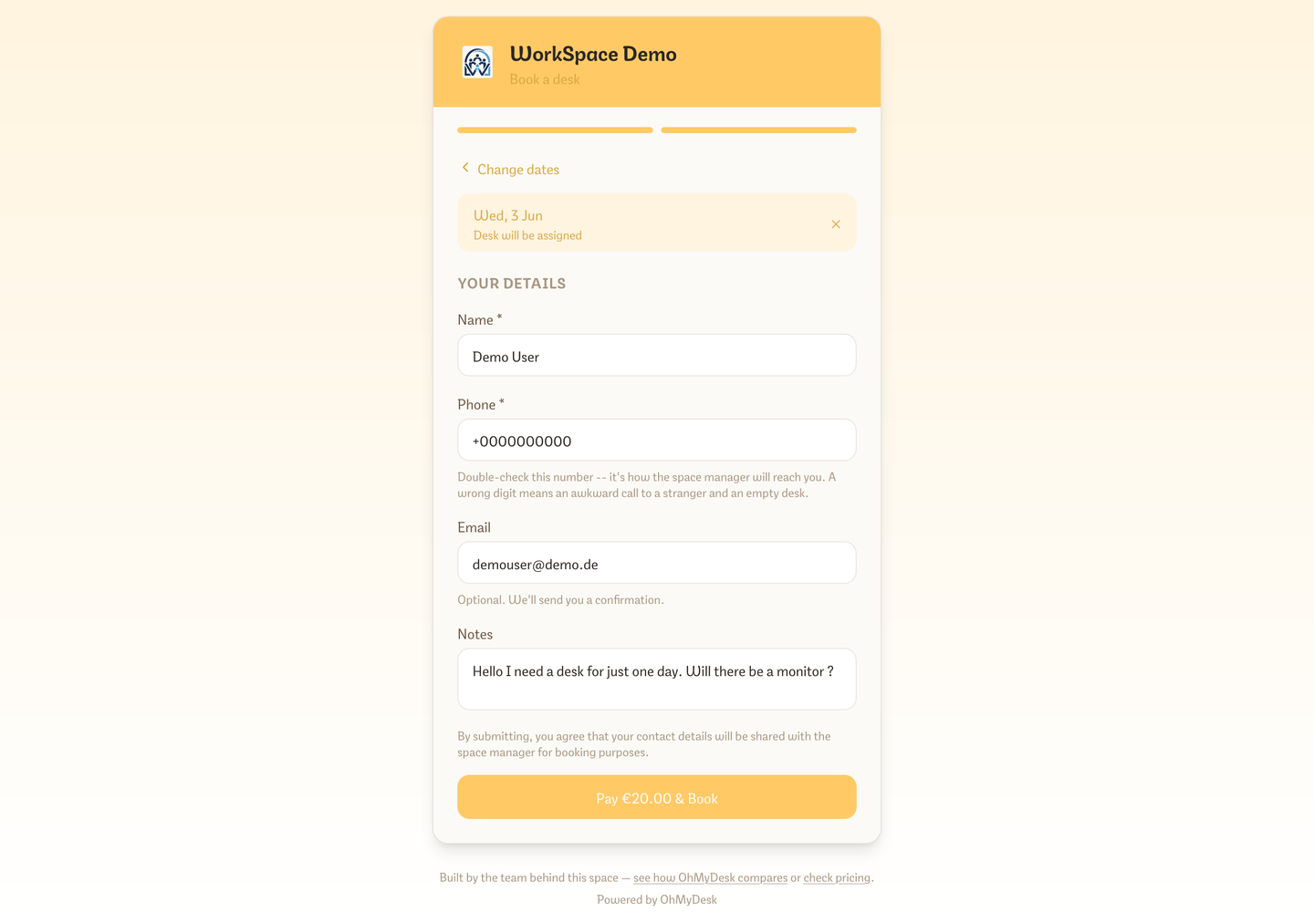
A no-login booking page anyone can use. Share the link in social media, on flyers, or on your own website. Visitors see real-time availability and confirm desk or room bookings directly; office requests go to Leads. When automatic member matching is enabled, an unambiguous email or phone match links the booking without using names.
What you get
- Real-time availability — visitors see live desk and meeting room slots
- Contact bar — phone, email, website, Instagram, LinkedIn, Telegram, WhatsApp, and Viber icons when you add them in settings
- Copy the right public link directly from Desks, Meeting Rooms, or Private Offices when you are ready to share it
- The public catalog lists every day-pass, flex, weekly, and monthly variant you sell, plus each named meeting room — visitors do not need an admin login to see them
- Weekly and monthly passes let visitors pick their own start date instead of being locked to the next available day
- No account required — fill name, email, dates and submit
- Optional automatic member matching links a booking only when email or phone identifies one member — never by name; contacts with no existing member match appear in Leads
- Public booking settings are grouped by desk, room, and office flow, with the website embed snippet in its own card
- Instant Telegram notification to admins on every new booking or office request
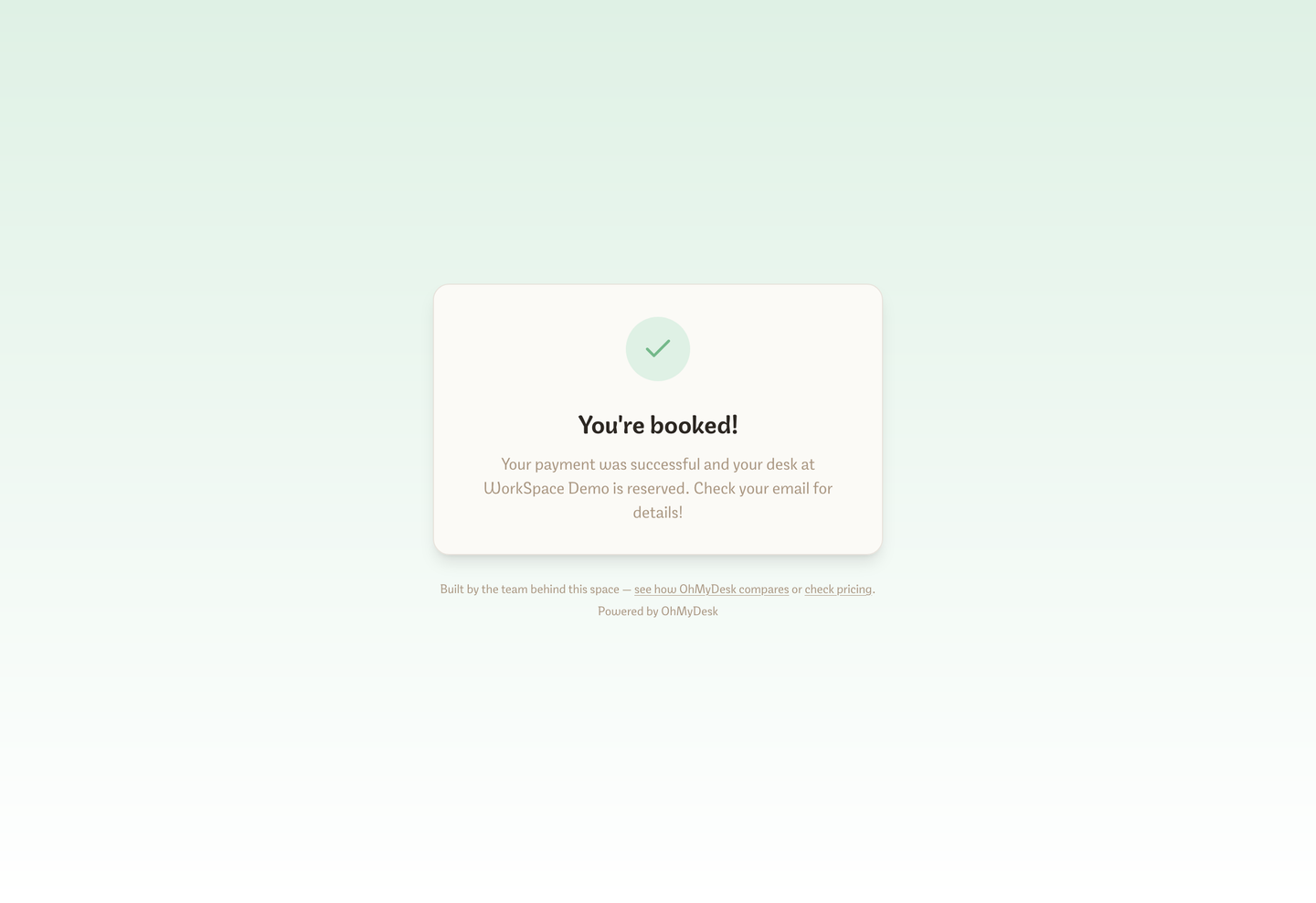
- Desk and meeting-room bookings confirm directly; office requests stay in Leads
- One-tap switcher between Desks, Plans, Meeting Rooms, and Offices so visitors can browse between booking options from any page
- Multi-language booking door: seamless toggle between English and German matching your space settings
- Free SEO surface — every coworking space gets its own indexable page
- Stable thank-you URL and a JavaScript event for Google Ads and GA4 when a booking completes — copy them from Settings → Integrations → Public booking
- Visitors can add extras you marked public, such as coffee or a locker, when they buy a day, weekly, or monthly desk pass online and pay for them in the same checkout
- Add your own Terms of Use and privacy policy as a PDF or a link: every checkout shows “By placing this order, I accept the Terms of Use” and asks visitors to confirm your privacy policy before they book
Try every feature free for 3 months.
No credit card. Set up your space in under two minutes.
Start Free Trial