Dedicated desk plans: weekly and monthly assignments with freeze
Assign a member to a dedicated desk for a week or a month in one click. If they travel, freeze the plan: remaining days stay on their card, the desk opens on the calendar, and revenue prorates correctly. Reactivate later and OhMyDesk finds available desks — even split across two if one desk is busy.
Dedicated plans are how independent spaces run fixed-desk members without rebuilding the same booking every cycle. Configure weekly (seven-day term, with only trailing regular closure days trimmed) and monthly (rolling calendar month) prices once in Settings → Plans, then pick Weekly or Monthly in the booking dialog. A frozen plan banks unused days on the member record, frees the desk for flex or walk-in revenue, and keeps your ledger honest when they return.
Who it’s for: Operators with 5–50 desks who sell named dedicated desks (not unlimited hotdesks or prepaid flex packs). Fits spaces that need pause-and-resume without manual spreadsheet tracking.
What you get
- Weekly and monthly plan prices configurable in Settings with per-day cost breakdown
- Plan selector in booking dialog: Day pass, Weekly, Monthly, or Custom range
- Freeze a plan mid-way: remaining days are banked, desk is released, revenue prorates correctly
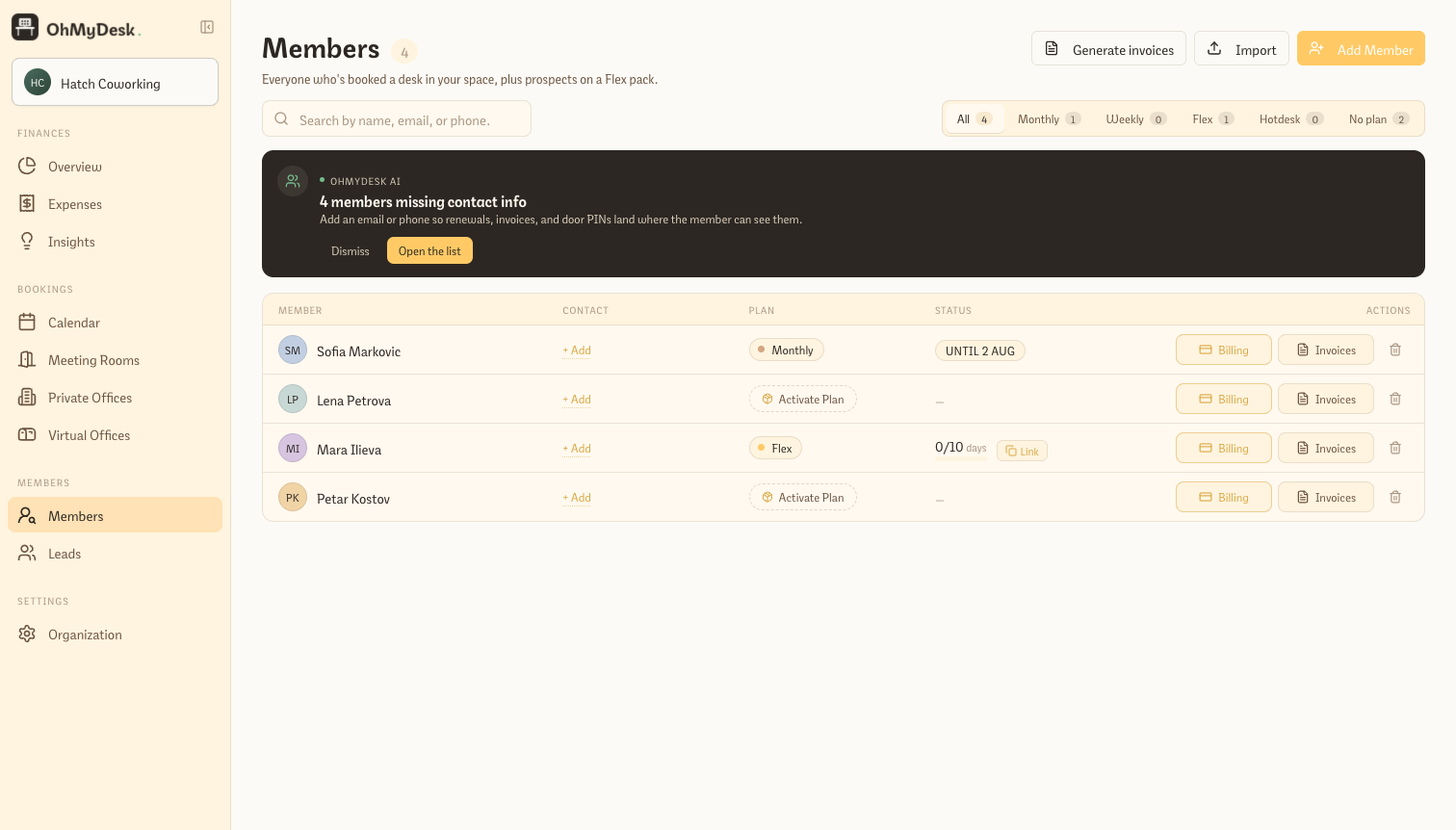
- Reactivate from the Members page: system allocates banked days across available desks
- Smart desk suggestions when the chosen desk is busy for the full plan range
- Auto-creates a member record when booking with a new name
- Desks freed by a frozen plan show as open on the calendar: book a flex visit or another member on them while the paused member's days stay banked for reactivation
- AI Autopilot can freeze or reactivate a dedicated plan from Telegram or Ask AI after you confirm — same rules as the Members page
Frequently asked questions
- How is a dedicated weekly or monthly plan different from a flex pack or hotdesk membership?
- A dedicated plan reserves a specific desk (or the system’s best match) for the whole term. Flex is a prepaid bundle of day visits with no fixed desk. Hotdesk is unlimited any-free-desk access for its period (a calendar month, 30 days, 10 days or your own length) with no per-day booking rows. Dedicated plans are for members who keep the same desk.
- What happens to revenue when I freeze a dedicated plan?
- OhMyDesk prorates the paid portion against the days already used and banks the remaining days on the member card. The desk shows as available on the calendar so you can sell flex days or another dedicated assignment while the member is away.
- Can a frozen member come back to a different desk?
- Yes. Reactivate from Members and OhMyDesk allocates banked days across open desks. If no single desk is free for the whole remainder, it can split the run across two desks and tells you before saving.
- Do weekly plans include closure days and weekends?
- Weekly runs are seven calendar days; only trailing regular closure days at the end of the term are trimmed so you are not charged for days the space was already closed. Monthly plans follow the calendar month with the same closure rules as the rest of the calendar.
- Can the AI Concierge or Autopilot manage dedicated plans?
- Autopilot can freeze or reactivate a plan and book dedicated desks once you confirm each action in chat. The AI Concierge (your space’s Telegram bot, WhatsApp in early access) answers prospects’ questions about your plans and prices and sends them to your public booking page; it does not change operator assignments.
Try every feature free for 3 months.
No credit card. Set up your space in under two minutes.
Start Free Trial